Automated verification has three parts: what the camera sees, what the POS reports, and the rule that compares them.
1. The camera detects the products
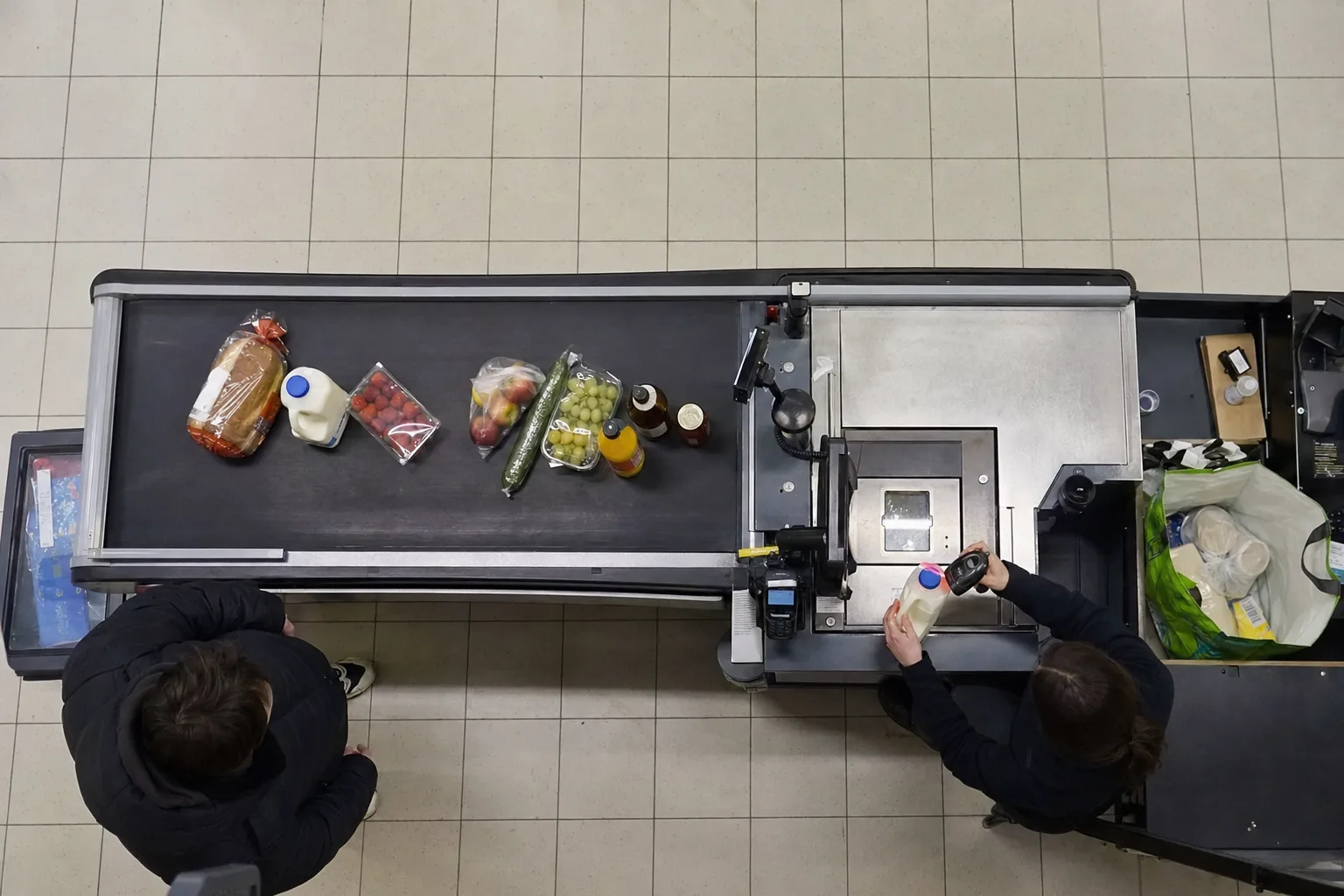
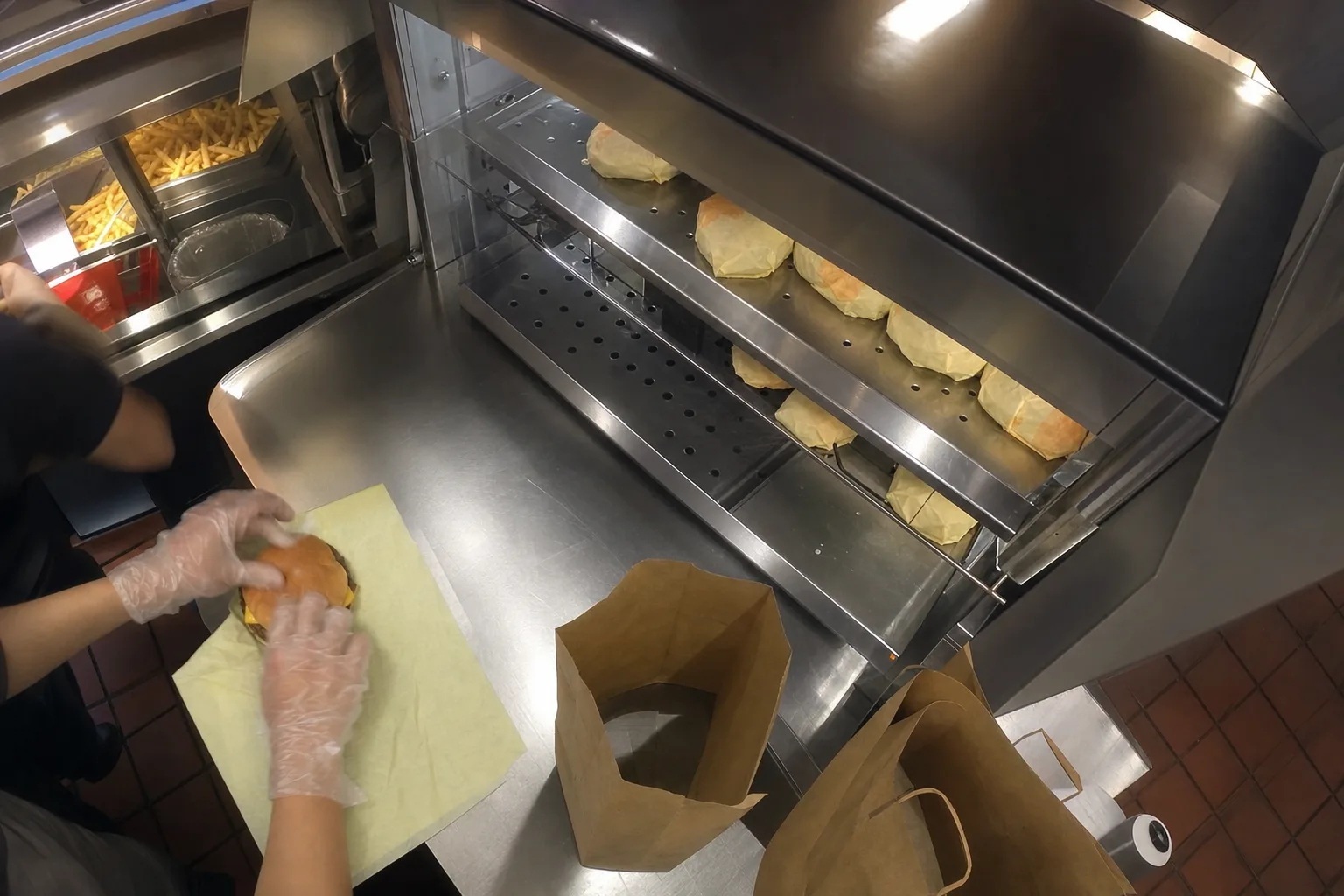
A camera above the handover area captures the tray or bag. The AI model recognizes items from your menu after being calibrated with images from your restaurant.
2. The POS sends the receipt
At the same time, the system receives the receipt: items, quantities, voids, and cash drawer openings.
3. The rule compares
If there are two drinks on the tray but only one on the receipt, a discrepancy is flagged. The short video and receipt are sent to the manager, who marks the result: theft, mistake, or false alarm.
Why your verdict matters
In the first weeks, false alarms are common—especially for packaged or covered items. Your verdicts help the system become more accurate, so alerts get fewer and more relevant.
The POS side (voids, drawer openings, receipts without items) works from day one. Visual product recognition is calibrated to your menu in the first weeks.
See also: Fast Food · Warehouses & E-commerce · Loss Calculator
Want to know your business’s real loss figure?
Request a demo