Review Sales and Inventory Reports
The first step in identifying discrepancies between inventory and sales is to analyze your reports. Make sure you have up-to-date sales reports, such as your daily Z report, and current inventory records. Check for mismatches between items sold and items recorded in inventory. Don’t forget to compare cancellation or refund reports to see if certain products are frequently voided. These reports give you an overview of daily operations and can help you spot losses.
For example, a clothing store might record sales of 100 t-shirts, but the inventory only shows 95 sold. Such a gap could point to stock management issues or recording errors. In a restaurant, you might notice that the ingredients used for a certain dish don’t match the number of portions sold. This could signal a stock management problem or even a recipe calculation error.
List all products with discrepancies and look for patterns. If you notice certain items show up frequently, you may need to investigate further. Record the differences in a table and see if there’s a trend—maybe discrepancies only occur on certain days or at specific times. This kind of analysis helps you determine whether it’s a systematic issue or just an occasional mistake.
Check Cancellations and Refunds
Another important step is to analyze cancellations and refunds. These can sometimes be used to cover up theft or cash register errors. Check who is authorized to process cancellations and ensure they are justified. In a shop, for example, only the manager or supervisor should be able to void transactions to prevent abuse. See if cancellations are linked to specific products, time periods, or staff members.
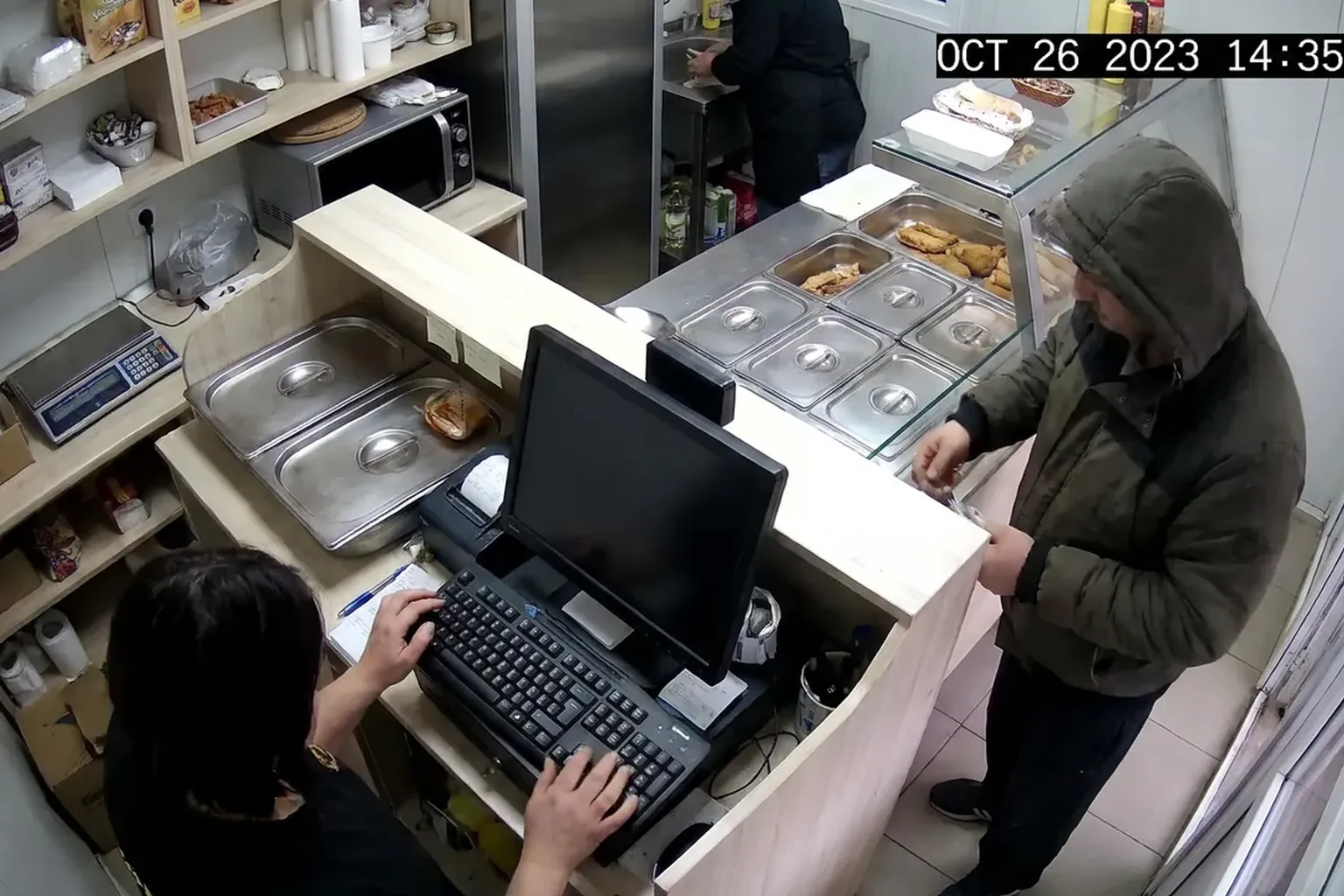
Let’s say a fast-food restaurant frequently cancels orders at certain times. This could indicate a problem with staff or the ordering system. Monitor these cancellations and compare them with surveillance footage to verify their legitimacy. If you see cancellations often happen during a particular person’s shift, you may need to investigate further. It could be a training issue or even an attempt at fraud.
Vigilessa can help by automatically checking footage and transactions, sending alerts to managers whenever there are discrepancies between what’s seen and what’s recorded. This feature saves you time and lets you focus on real issues, not just suspicions.
Use Surveillance Cameras
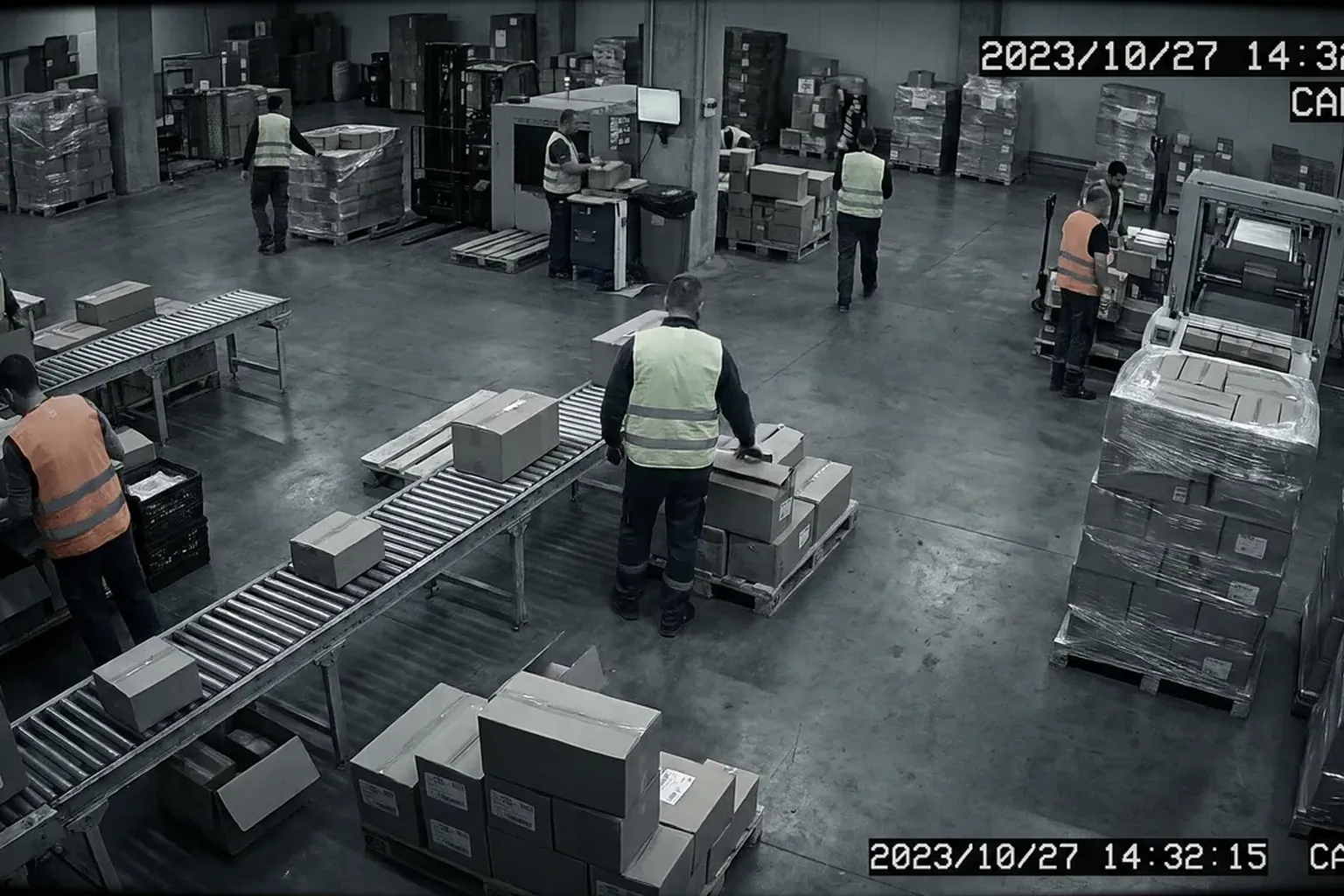
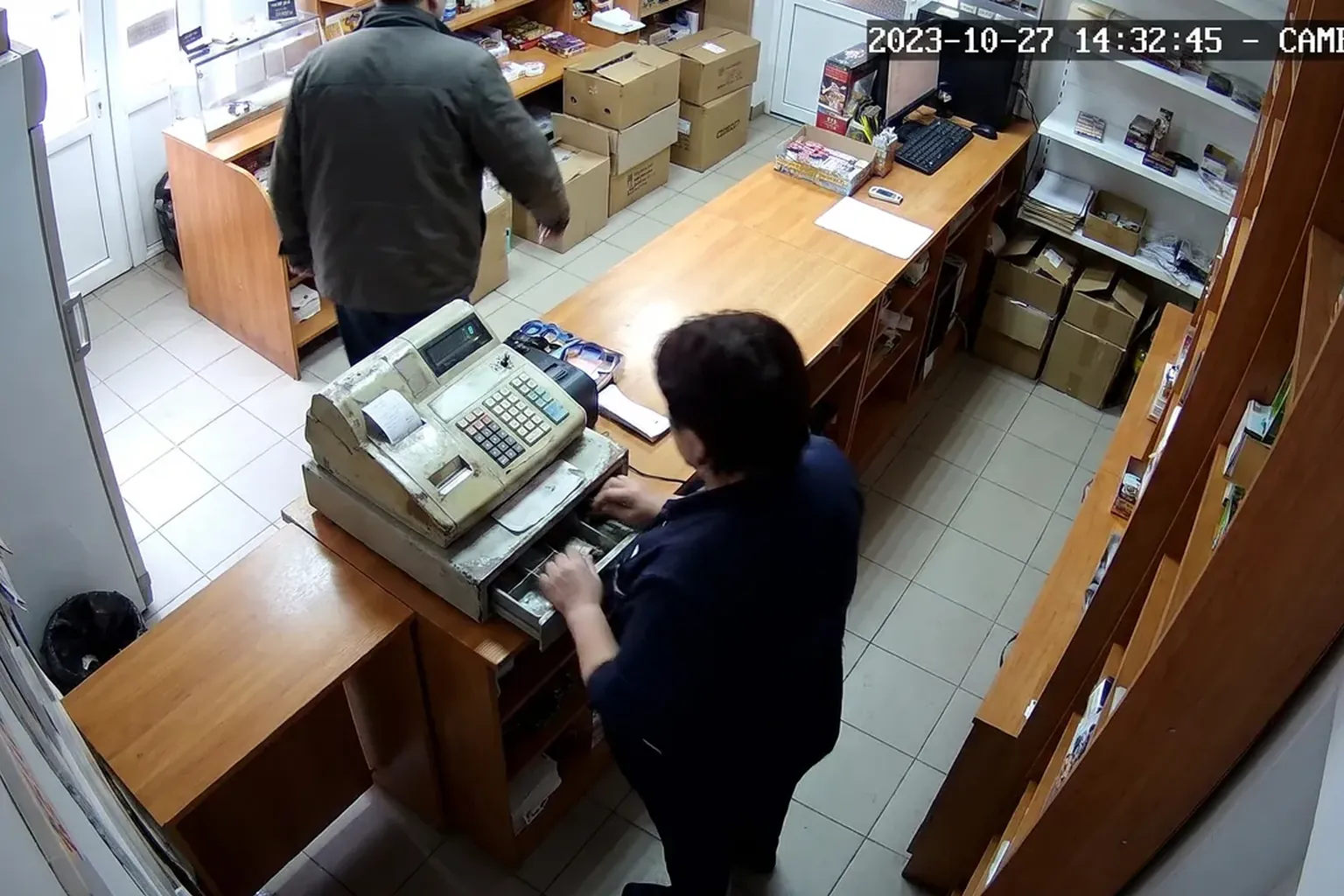
Surveillance cameras are essential for spotting differences between inventory and sales. Position cameras to cover critical areas like the cash register and storage rooms. In a retail store, proper camera placement can reveal if products are being removed from inventory without being rung up. In a restaurant, cameras can show if the portions served match what’s billed.
For example, at a gas station, cameras can monitor both the payment area and product shelves. If there are discrepancies between inventory and sales, check the footage to see if items were handled without being recorded. This helps you identify not only theft but also mistakes in product handling or inventory system errors.
Integrating monitoring software like Vigilessa can streamline the process by sending automatic alerts when irregularities are detected. You no longer have to spend hours manually reviewing video footage. Vigilessa does it for you and only notifies you about incidents that require your immediate attention.
Work With Your Staff to Identify Issues
Your staff plays a crucial role in accurate inventory and sales management. Hold regular meetings to discuss challenges and find solutions together. Encourage transparency and openness so employees feel comfortable reporting irregularities. This can prevent many issues before they become critical.
For example, in a café, staff might notice certain products disappearing from inventory without being sold. Talk to them to better understand the situation and take necessary action. It could be a recording mistake or something more serious, like theft. Encourage employees to give feedback and suggest improvements to current processes.
Involving your team in problem-solving leads to effective solutions and better internal processes. Employees who feel engaged and heard are more motivated to work efficiently and contribute to your business’s success. Plus, they’re closest to daily operations and can offer valuable insights into potential issues.
Review Internal Procedures
Internal procedures have a major impact on inventory and sales accuracy. Review your processes for receiving goods, recording sales, and managing stock to identify weak points. Make sure all procedures are documented and that every employee knows exactly what to do. Clear, well-defined procedures can prevent many inventory and sales problems.
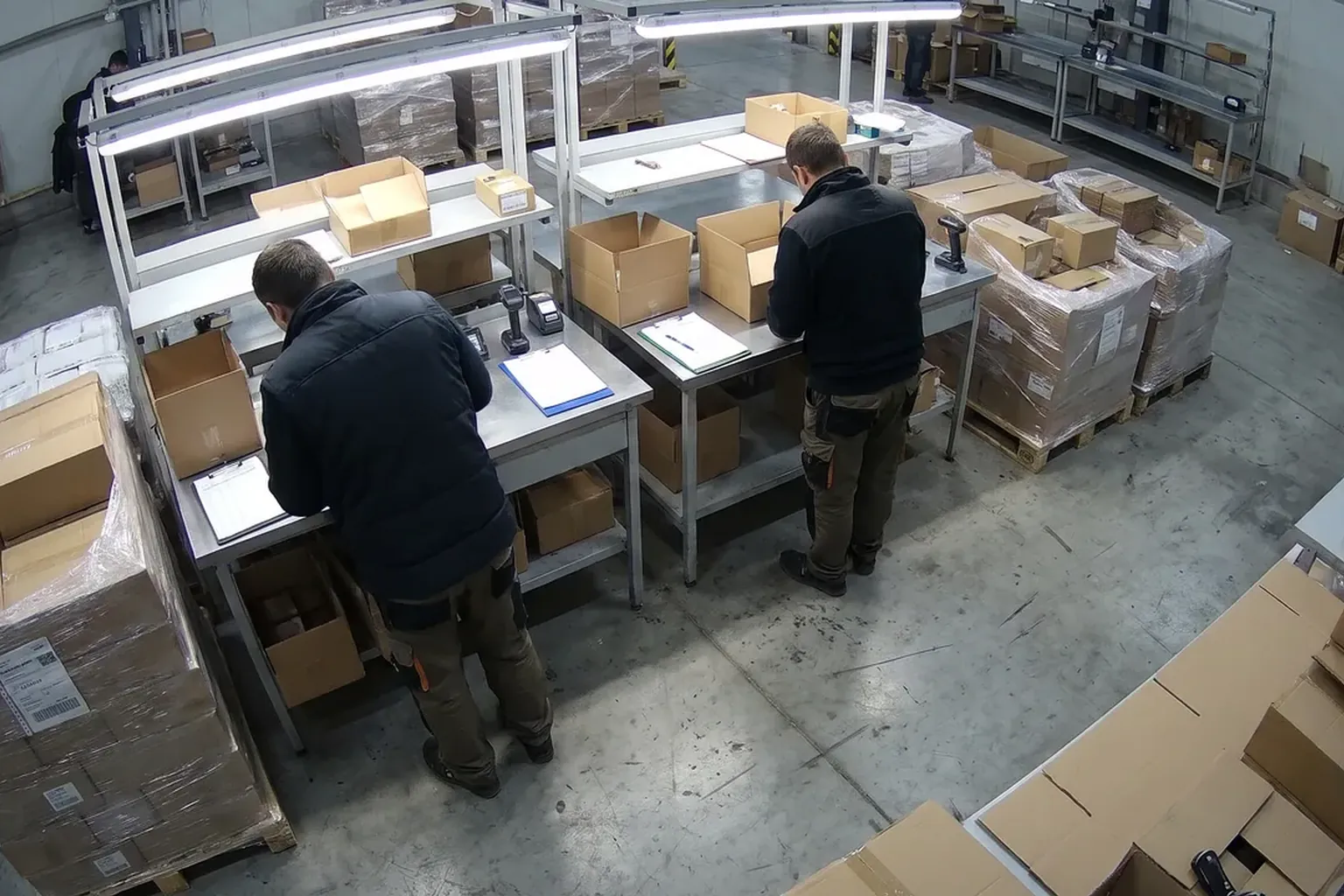
In a warehouse, for example, goods receiving and dispatch processes are critical. Ensure all procedures are followed and that there’s a double-check system to avoid mistakes. Introducing checklists or barcode systems can help reduce human error and boost efficiency.
Update procedures where needed and make sure all staff are properly trained. Good training can make the difference between a smooth-running system and one full of errors and discrepancies. Regularly review and adapt procedures to keep up with changes in your business or the market—this is key to staying competitive and efficient.
Leverage Technology to Reduce Losses
Technology can be a powerful ally in reducing losses and managing inventory accurately. Integrate software solutions to automate processes and provide detailed reports. For example, an advanced POS system can track sales and stock in real time, giving you a clear picture of your business.
For instance, the loss calculator can help identify problem areas and estimate the financial impact of discrepancies. Use this information to make informed decisions and implement corrective measures. This type of analysis helps you not only address current issues but also prevent future ones.
A solution like Vigilessa can offer a demo using your own footage so you can see exactly how it works and how it can help reduce losses. This lets you see the technology in action in your business, without major upfront investment. It’s an efficient way to test and evaluate the benefits before making a long-term commitment.
A Practical Step to Implement Tomorrow
Start with an audit of your inventory and sales. Choose a product with frequent discrepancies and analyze it in detail. Check the relevant video footage and talk to the staff involved. This exercise will help you identify issues and implement effective corrective actions. Plus, it’s a simple, concrete first step you can take to improve your business management.
FAQ
How can I prevent discrepancies between inventory and sales?
Review your internal procedures, leverage technology for monitoring, and involve your staff in identifying issues.
What role do surveillance cameras play in inventory management?
Surveillance cameras help monitor critical areas and spot discrepancies between inventory and sales.
How can Vigilessa help with stock management?
Vigilessa automatically checks images and transactions, alerting the manager when discrepancies occur.
What should I do if I find an inventory discrepancy?
Analyze the reports, review video footage, and talk to your staff to identify the cause and implement corrective measures.
See also: Fast Food · Retail & Supermarkets · Loss Calculator
Want to know your business’s real loss figure?
Request a demo